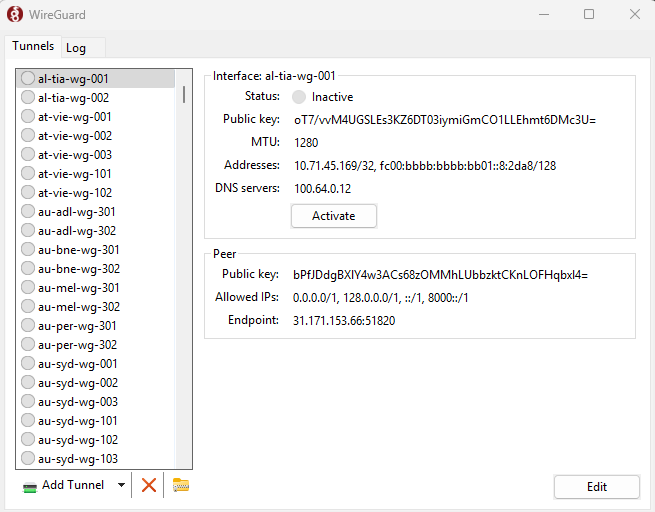
Hello, here I will tell you how to add your own config into RDP
Step by step :
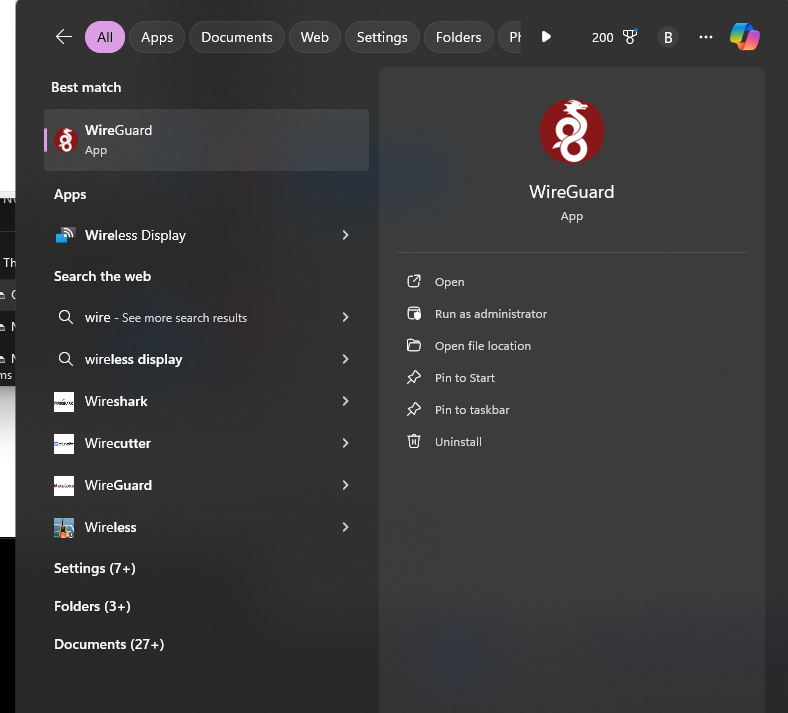
- Open your RDP and search for Wireguard in windows search
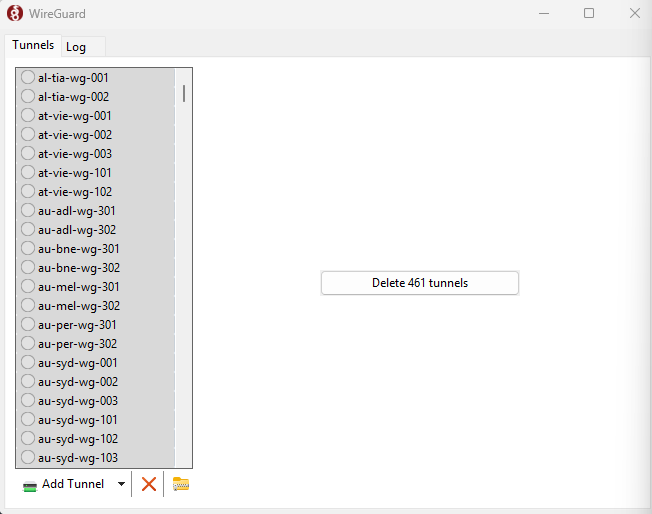
- After opening, if wireguard still has a problematic config, please delete the config first (delete everything ctrl+a and delete).
- after that if it has been deleted, there will be an empty display like in the photo, you click import tunnel
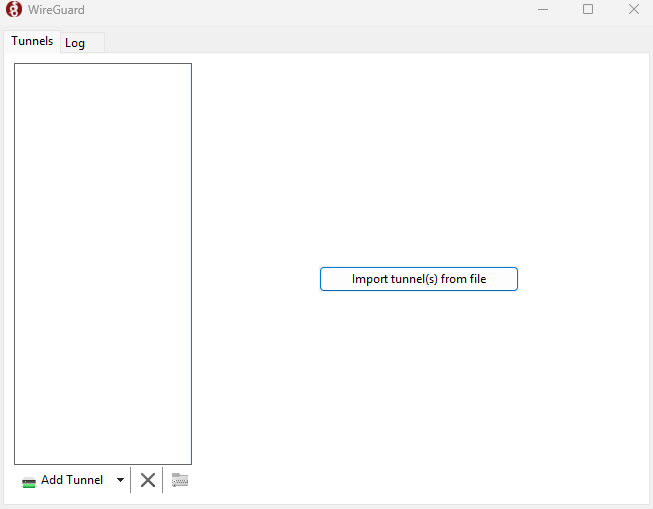
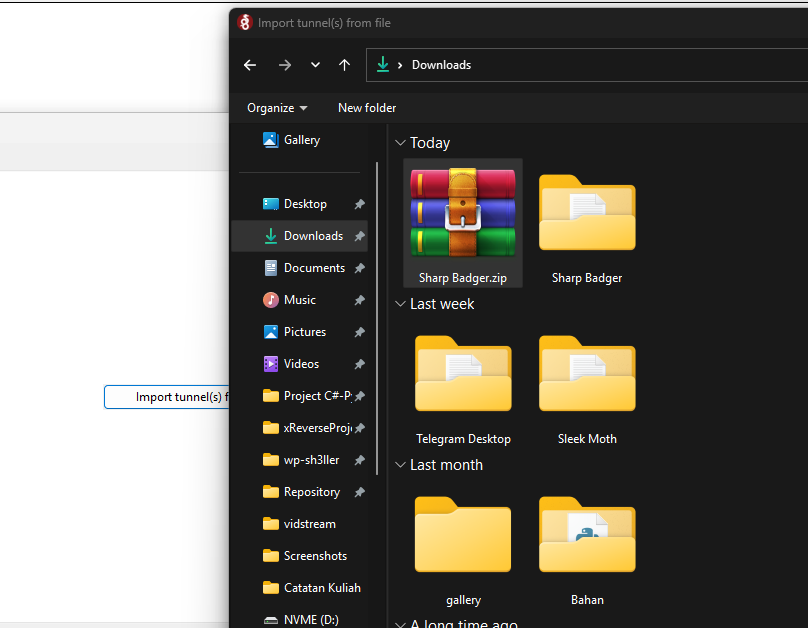
- select the config file (.zip) that your support/admin has given you
- after that it will look like this, you can connect to any region (fr / gb recommendation)